How to compress an image to 200 KB (or any file size)
Quick answer
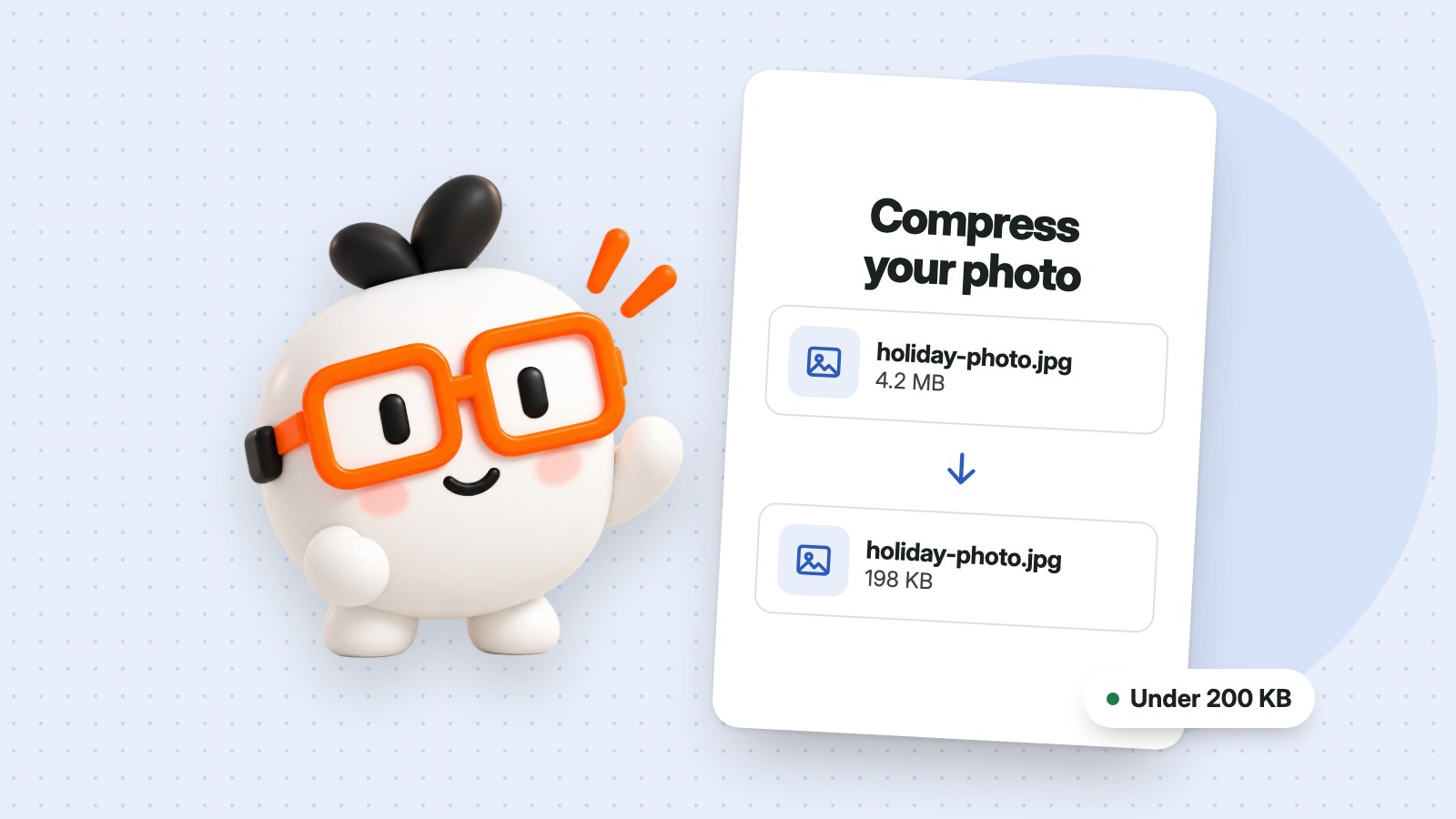
To compress an image to 200 KB, open the image compressor, add your photo, choose JPG and type 200 in the maximum file size box. It finds the highest tested quality that fits. If the photo still won't fit, make its width and height smaller and try again.
Job applications, government forms and online shops often reject photos over a certain size, and a picture straight from a phone is usually several megabytes. You don't need to install anything to bring it down to 200 KB, or to whatever limit you've been given.
How to compress an image to 200 KB
- Open Resize & compress images and choose your photo. You can add up to 20 at a time.
- Under Save as, choose JPG, or WebP if the website accepts it. These make smaller files than PNG.
- Type 200 in Maximum file size (KB).
- If the form also asks for exact dimensions, enter the width and height in pixels.
- Create your copy and download it. Your original photo isn't changed.
What to do if it won't fit
A limit can be too tight for a very large photo. When that happens, the tool tells you instead of quietly missing the target. These usually solve it:
- Make the picture smaller. Reducing the width and height saves more than anything else. A width of 1200 pixels is plenty for most online forms.
- Use JPG or WebP. PNG suits logos and graphics, but it makes large files from photos.
- Crop out what you don't need before you start, so there are fewer pixels to store.
Size limits and picture dimensions are different
File size is measured in KB or MB, and it's how much storage the picture takes. Dimensions are measured in pixels, and they're how wide and tall it is. A form may ask for one or both, so check before you start. The same tool sets both at once.
Common questions
Are my photos uploaded?
No. The picture is processed on your device and isn't uploaded or saved in an account.
Can I compress an iPhone HEIC photo?
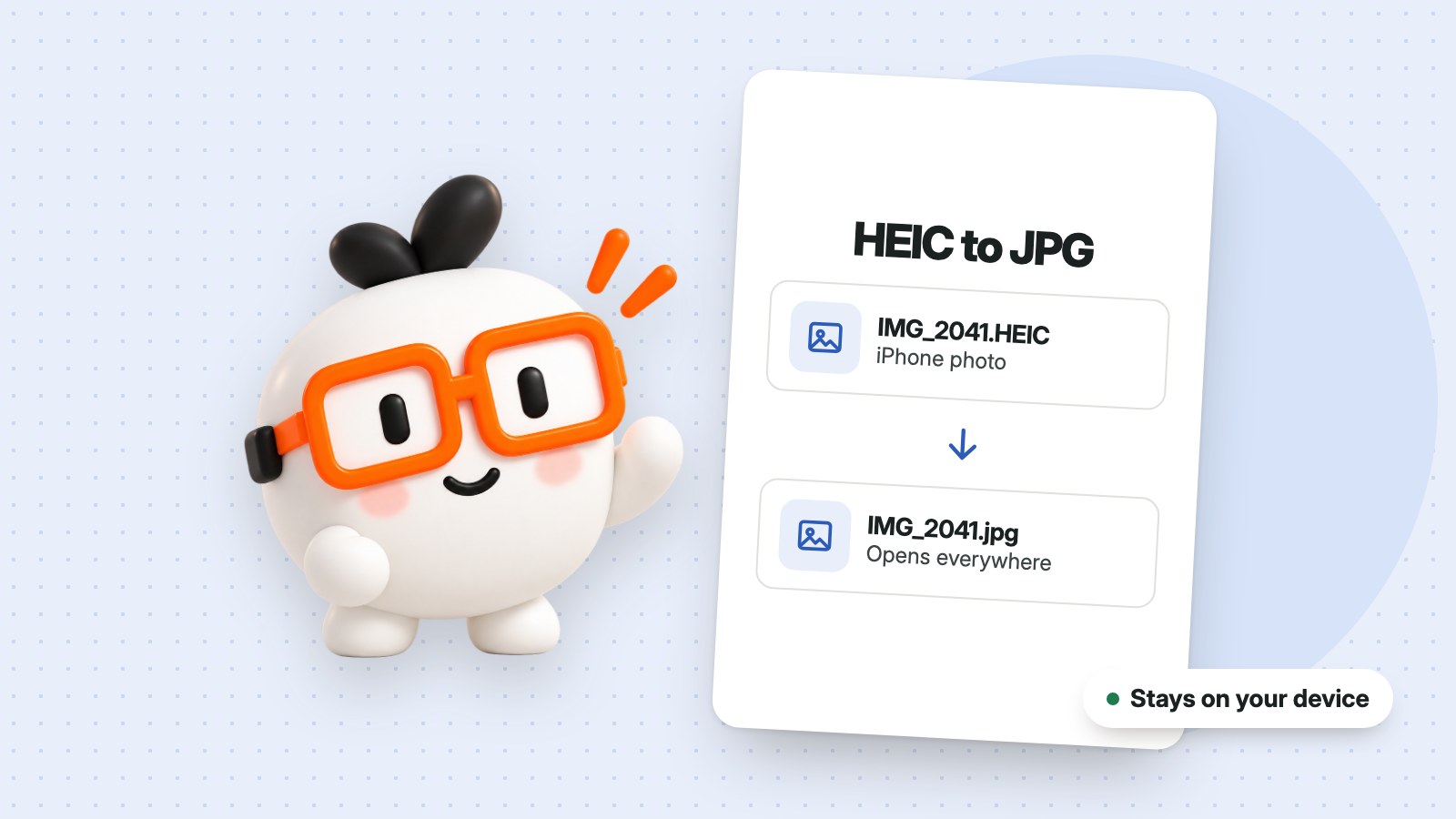
Yes. The tool accepts HEIC and HEIF files, as well as JPG, PNG, WebP and AVIF. If your only problem is the format, use HEIC to JPG instead.
How do 200 KB and 2 MB compare?
There are about 1,000 KB in 1 MB, so a 2 MB photo needs to shrink to about a tenth of its size to reach 200 KB.