How to convert HEIC to JPG on iPhone, Mac or Windows
Quick answer
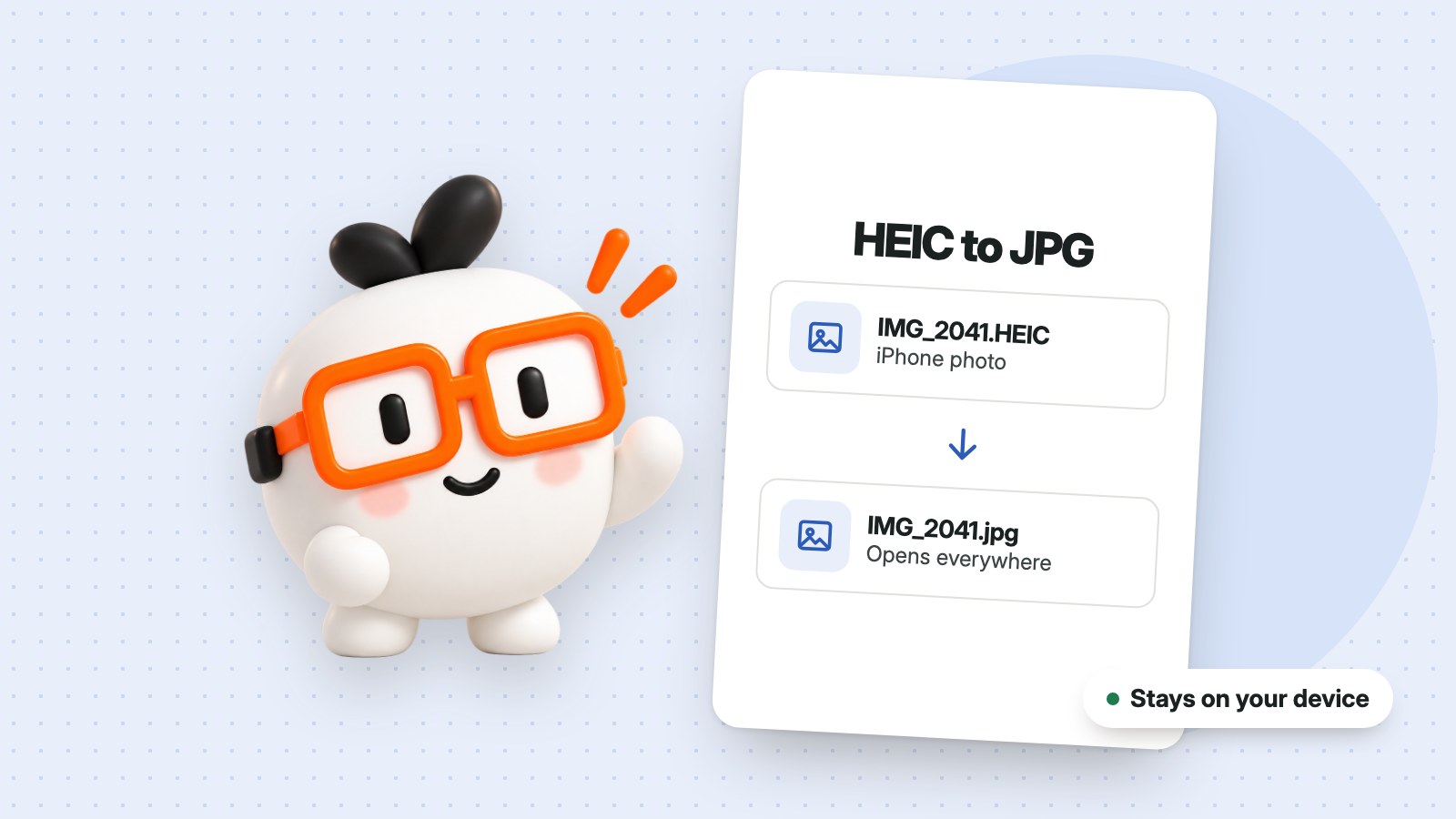
To convert HEIC to JPG, open the HEIC to JPG converter, add your photos, choose JPG and download your new copies. It works in a browser on iPhone, Mac and Windows, and the photos stay on your device.
iPhones save photos as HEIC files by default. They look great and take up little space, but some websites, older computers and programs can't open them. JPG works almost everywhere, so converting is the quickest fix.
How to convert HEIC to JPG
- Open HEIC / HEIF to JPG in your browser.
- Select your photos or drop them on the page. You can add up to 20 at a time, up to 25 MB each.
- Under Save as, choose JPG, then choose a quality. High suits most photos.
- Press Convert images.
- Download your copies one by one, or all together as a ZIP.
On an iPhone
Use the steps above in Safari. When you choose photos, pick the original files where your phone offers that choice. If you only need to send a single photo, your iPhone may convert it automatically when you share it with some apps, but that doesn't always happen.
On a Mac or Windows PC
The same page works in your browser, with nothing to install. Newer Macs open HEIC files in Preview, and some Windows PCs need an extra codec from Microsoft. Converting saves you dealing with that, and it means the person you're sending the photo to can open it too.
How to stop your iPhone making HEIC files
If you'd rather have JPGs from now on, go to Settings > Camera > Formats and choose Most Compatible. New photos will then be saved as JPG, though they'll take up more space. Photos you've already taken won't change.
Common questions
Are my photos uploaded?
No. They're opened on your device and aren't uploaded or saved in an account.
Does converting to JPG lose quality?
JPG compresses a photo, so there's a small loss. At High quality it's rarely noticeable. Choose Maximum if you want to keep as much detail as you can.
What if a file won't open?
Some HEIC files can't be opened in the browser. Try sharing that photo from your phone again, choosing the original file where you can.
Can I convert the other way, from JPG to HEIC?
No. This tool saves JPG, PNG or WebP.