How to make a Google review QR code for your business
Quick answer
Copy your review link from your Google Business Profile, paste it into the Google review QR code generator and download the code. Scan it to test it, then put it on a card or sign where customers will see it.
Happy customers will often leave a review if it takes a few seconds, and few will search for your business to find the right page. A QR code takes them straight there, whether it's on your counter, a table or a receipt.
Step 1: Find your Google review link
- Sign in to the Google account that manages your business, and search Google for your business name.
- In your Business Profile, look for the option to ask for reviews or read reviews.
- Copy the review link that it gives you.
- Open the link in a private browser window to check that it leads to your business.
Step 2: Make your Google review QR code
- Open the Google Reviews QR code generator and paste your link.
- Choose your colours if you like. Dark colours on a light background scan best, so keep the white border around the code.
- Download it as PNG for screens and everyday use, or SVG for printing.
- Scan it with your own phone before you print anything.
Step 3: Put it where people will see it
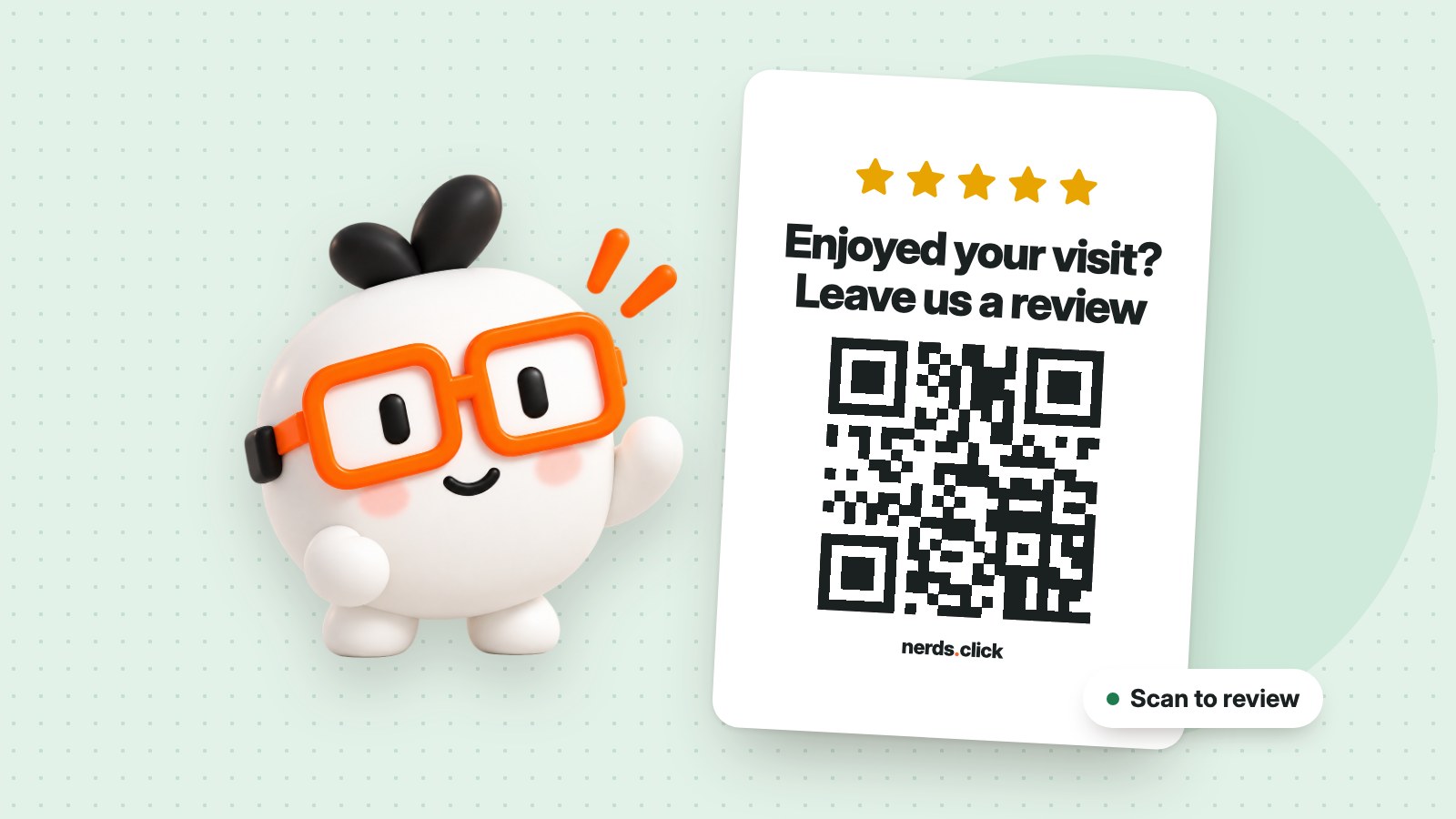
A code with no explanation is easy to ignore. Add a short line such as “Enjoyed your visit? Leave us a review.” The Print Studio has a Google review card you can fill in and download.
- Cafés and restaurants: on tables, or on the bill
- Salons and trades: on a card you hand over when the job's done
- Shops: by the till, or in the bag with the purchase
Fixed or editable?
A fixed code is free and stores your link inside the pattern, so it can't be changed later. An editable code opens a short nerds.click link that you can point somewhere new, with scan statistics, and comes with a plan. Most businesses with one review page only need a fixed code.
Common questions
Do I need a Google Business Profile?
Yes. Your review link comes from your profile, so you'll need to create and verify one first.
Does the code expire?
A fixed code doesn't expire, because the link is stored inside it. It keeps working for as long as your review link does.
How big should I print it?
At least 3 cm wide is a good starting point for a card held in the hand. Go bigger if people will scan it from further away, and always test a printed copy.