How to make a Wi-Fi QR code sign for your guests
Quick answer
Enter your network name, password and security type in a Wi-Fi QR code generator and download the code. Then put it on a sign in the Print Studio and print it. Guests point their phone camera at it and tap to join.
Spelling out a long Wi-Fi password is a small job that never ends. A QR code on the table, the wall or the guest-room door does it for you: people scan, tap and they are online. It suits cafés, guest rooms, offices and homes alike.
What you need before you start
- Your network name, spelled exactly as it appears on your router or in your phone's Wi-Fi list
- Your Wi-Fi password
- Your security type. Most networks use WPA or WPA2, which are the same choice in the tool
- About two minutes, and a printer if you want a paper sign
Make your Wi-Fi QR code in three steps
- Open the Wi-Fi QR code generator and type your network name and password.
- Choose your security type, and tick Hidden network only if your network does not appear in people's Wi-Fi lists.
- Scan the code on screen with your own phone to check it joins, then download it.
Turn it into a sign people notice
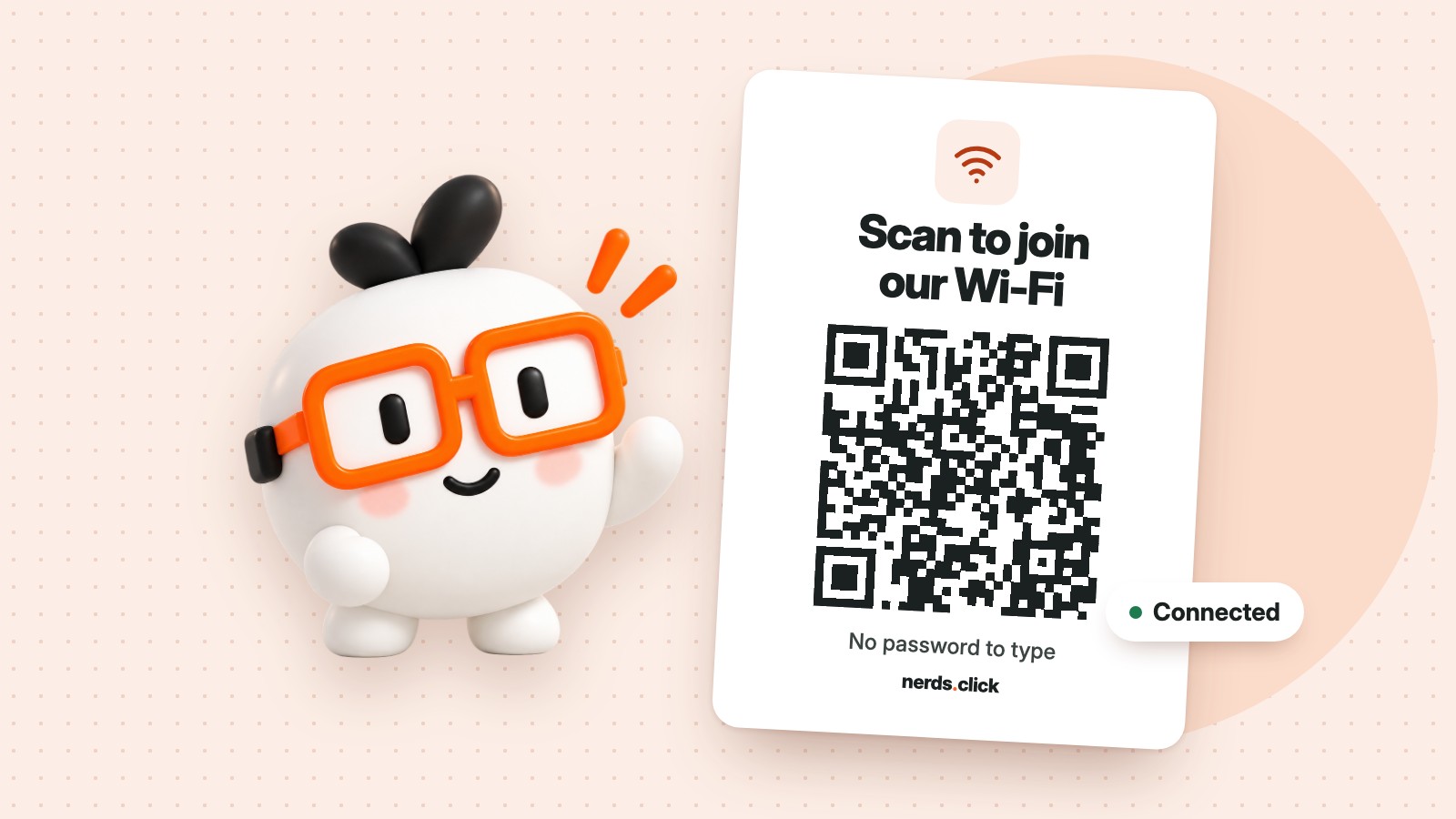
A code on its own leaves people guessing. A short line such as “Scan to join our Wi-Fi” tells them what it does. The Print Studio lets you pick a template, add your details and download a sign that is ready to print. This short video shows how it works.
Where to put your sign
- Cafés and restaurants: on tables and by the till, where people sit down and wait
- Guest rooms and holiday lets: on the desk or inside the welcome folder
- Offices and meeting rooms: at reception and beside the screen
- At home: on the fridge or in the spare room, for visitors
Print it at least 3 cm wide so phones can read it from a normal distance, and avoid glossy finishes where overhead lights will reflect on the code.
Common questions
What happens if I change my Wi-Fi password?
Your old code stops working, because the name and password are stored inside the pattern. Make a new code with the new password and reprint your sign.
Do my guests need an app?
No. On most recent phones the camera app reads the code and offers to join the network.
Is my Wi-Fi password sent to nerds.click?
Your details stay on your device while the code is made in your browser. Remember that anyone who can scan your sign can join your network, so put it where you are happy for people to use it.
Can I offer a separate network for guests?
Yes, and it is a good idea. If your router has a guest network, make the code for that one, so visitors stay apart from your own devices.
Want to share more than Wi-Fi? Try a Google review code for your counter, or browse all our QR generators.